Elden Ring Crossplay Support and Platform Compatibility
Elden Ring's crossplay remains elusive in 2026, definitively separating players across PlayStation, Xbox, and PC platforms. However, the game offers seamless cross-generation co-op within each console family, ensuring friends on PS4/PS5 or Xbox One/Series can adventure together.
If you're trying to set up a co-op game across all platforms, you may want to know if Elden Ring has crossplay or not. At this point in 2026, the answer is still no — even at all the crossplay options players usually think of. Elden Ring separates its online play by platform family — in other words, PlayStation players cannot play with PC and Xbox players, and vice versa with any other combination of the three main gaming platforms. In this guide, we break down what works, what doesn't, how co-op works and what you need to know about your save data before you buy another version of the game.
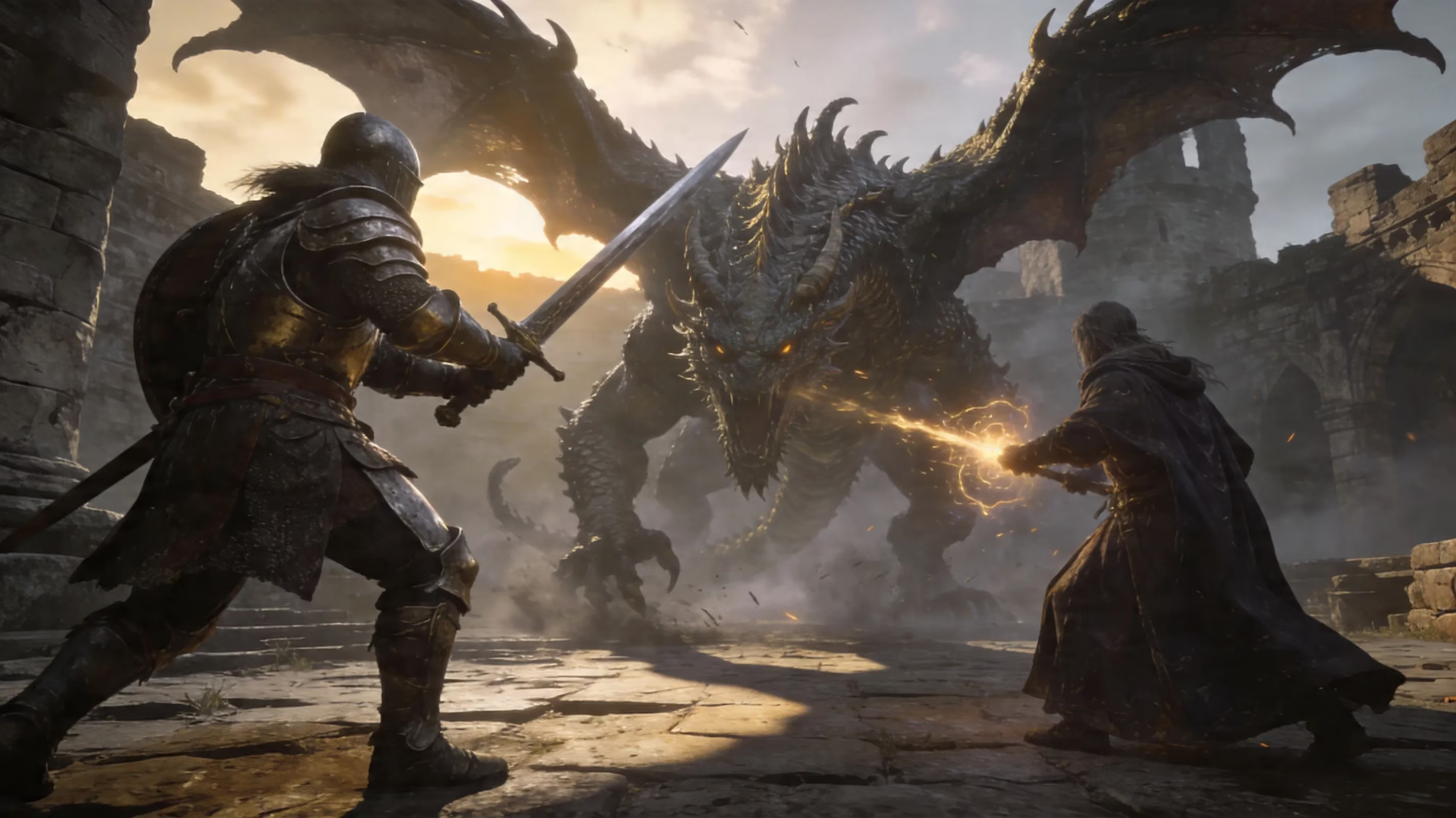
Does Elden Ring Have Crossplay in 2026
As of 2026, Elden Ring still does not feature complete crossplay support. You cannot invite a friend to join your session on Steam and send them an item from your account because they are on PS5, nor can you join a friend on Xbox Series X|S from your Steam account. All matchmaking is tied to each platform's service, meaning that your PSN account can only match-make against other PSN accounts; Xbox accounts are the same — and Steam accounts are the same.
What Elden Ring can do is provide cross-generation matchmaking for users playing on platforms that are part of the same system family; for example, if you're playing on PS4, you can join a co-op session with a friend who is playing on PS5, and the same goes for users playing on Xbox One connecting with users playing on Xbox Series X|S. Outside of cross-generation matches, no crossplay exists. There has been no official word from FromSoftware on potentially adding larger crossplay options, and as of the middle of 2026, the game has still received no updates, announcements regarding updates, or changes in that's currently available. ## Compatibility Table for Crossplay in Elden Ring
If you'd like to learn more about Crossplay Limits in Elden Ring, here's a Compatability Table:
| Platform A | Platform B | Playable Together? |
|---|---|---|
| PS4 | PS5 | Yes - Cross-Gen PlayStation Only |
| Xbox One | Xbox Series X\S | Yes - Cross-Gen Xbox Only |
| PS4 or PS5 | Xbox One or Xbox Series X\S | No - Separate Console Ecosystems |
| PS4 or PS5 | PC (Steam) | No - Console vs PC barrier |
| Xbox One or Xbox Series X\S | PC (Steam) | No - Console vs PC barrier |
| PC (Steam) | PC (Steam | Yes - Native OS/Platform |
| Steam Deck | PC (Steam) | Yes - Steam Deck is treated as a PC |
An item that can confuse some players is a Steam Deck. This device runs the native Steam version of Elden Ring, so it shares matchmaking with regular PC players (not acting as a bridge to either Sony or Microsoft consoles). Therefore, if you are still looking for an answer to the question of whether "doest elden ring have crossplay", the answer will still remain no if you are not playing on consoles in the same family generation and playing on standard PC's.
Rules for Elden Ring Multiplayer by Console
Matchmaking On PlayStation
To take part in online play for Elden Ring on PlayStation, you must have a current subscription to PlayStation Plus. If you do not have a current PlayStation Plus subscription, you will not be capable of utilising methods to summon players, place your own summoning sign, or to participate in invasions. Players of both PS4 and PS5 can easily connect through one another due to the fact that PS4 and PS5 do share matchmaking systems, allowing for players to keep co-op games active across both consoles.
The multiplayer password works the same between both PS4 and PS5 consoles. When both you and your friends set up the same multiplayer password through the multiplayer menu, they are significantly easier to find in your summon signs. Essentially, this method is by far the best option to play with exact individuals rather than relying on their sign naturally appearing among many signs all in one general area.
Xbox Matchmaking
In order to play online with Xbox, you will need a Game Pass Core or a Game Pass Ultimate subscription. If you covered that, then Xbox One and Xbox Series X|S can play co-op together without any other special means to do so. Xbox's cross-gen matchmaking setup is the same as that of PlayStation.
Another possible issue is that Xbox users may see different connection quality depending on your region and on your network/NAT type. There are some regions that have very few Xbox players, resulting in possibly less consistent matchmaking experiences. Similarly to PlayStation, using a multiplayer password with Xbox many times will be in your best interest just to eliminate many of the normal matchmaking distractions.
PC Matchmaking
Steam users only play with other Steam players, allowing PC gamers no crossovers with console users, making the PC community a completely separate online community from console gamers. The good news is that there are still a lot of people using Steam so you usually aren’t going to have trouble locating summon signs in high-traffic areas such as Stormveil Castle and Mohgwyn Palace.
The only caveat of being a Steam user is modding. Unauthorized mods may get you flagged as a cheater by FromSoftware's anti-cheat system when playing online, putting you into a matchmaking pool of other cheaters. Therefore, if you want some fun with mods, play offline to keep from messing up your ability to play multiplayer normally.
No Cross-Progression Save Transfer for Elden Ring
Elden Ring has no support for cross-progression either. Your progress will not carry over to PlayStation, Xbox, or PC once you start on one platform and buy the game elsewhere. Your character, gear, map progression, and dungeon completion will remain on the system they were created on.
Your saves can be transferred within the same console family; so on PlayStation, if you're on PS4, you can use Sony's cloud to transfer to your PS5, which is the only supported method for migrations.
Xbox users should expect the same between Xbox One and Xbox Series X/S, but that process will be managed through saving features rather than the game itself. Once you are out of your console family, there will be no way to cross-save or share progression or load your character if you purchase another platform to play Elden Ring (for example, the Tarnished Edition for Nintendo Switch 2) — you will start over completely.
Co-op How to Play
If you and your friends all have compatible platforms, playing Co-Op should be simple once you understand the basics. 1. Utilize the Furlcalling Finger Remedy
This item allows you to view Golden Summon Signs on your world. You can create this item from Erdleaf Flowers, which are plentiful enough to keep an ample supply handy.
- Utilize the Tarnished's Furled Finger Sign
Your co-op partner will use this item to leave their summon sign, which is given to you quite early and does not go away once used.
- Utilize the Same Multiplayer Password
This is extremely important! All members of your team should use the same multiplayer password so that the game correctly matches you to one another via Summons.
- Check Area and Boss Status
If the boss in the area is already dead in the host's world, the game may prevent you from summoning to that area—this is a common mistake for many players.
It is extremely useful to have a password since it removes the restrictions of Level Ranges for matchmaking; thus, a Player who is significantly over-leveled may still connect to a Player who has just begun.
One final rule to remember regarding the sessions is that if the host defeats a Boss, the Co-Op session is over. You must all use the Furlcalling Finger Remedy frequently during a long-play session to allow all summoned Players to continue playing with you. The effects of Great Runes are not transferred to other worlds as many players may believe; therefore, each Player's buffs will depend on their own setup. Table of Contents
Frequently Asked Questions about Elden Ring Cross Play
Cross Play Situations That May Be Confused as Cross Play:
-
Xbox Cloud Gaming: If a player streams Elden Ring on a PC using the Xbox Cloud Gaming app, he/she is still playing the Xbox version of the game, thus can match up with Xbox console players. This is not native PC-to-Xbox cross play; rather, this is just Xbox cloud gaming to other platforms.
-
Steam Deck: The Steam Deck classifies itself as PC, and therefore it uses the Steam version of Elden Ring to match with other players across PC.
-
Nightreign Confusion: A common issue that comes up often is players confusing Elden Ring's Nightreign with the original release of Elden Ring. Nightreign will feature cross-play and will be a standalone co-op roguelike release on May 2025; however, this does not apply to the original release of Elden Ring. Because the two titles utilize separate multiplayer infrastructure, Nightreign's cross-play option does not change the limitation of original release Elden Ring.
When making a decision about where to purchase Elden Ring, the best option is to purchase it where your friends play. If you decide to buy the PC version but most of your friends are on PlayStation, then you may not be able to join them on a co-op session. For a video game that enjoys working together to defeat bosses and explore dungeons, this type of feature is very important to the game.
If you own Elden Ring on one console and want to buy Elden Ring somewhere else, the missing feature of cross-save is the most critical factor. If you buy it a second time, you will have to start over from scratch, creating a new character and beginning a new (and full) build. The only way to determine whether it’s worth it is how much you value portability, performance or getting into different friend groups.
| Scenario | Recommendation |
|---|---|
| All friends are on PS4/PS5 | Purchase on PlayStation; no problems |
| Mixed friends on PlayStation/Xbox | There is no available cross-play solution, so choose the platform that has the majority |
| PC player with console-playing friends | There are no workarounds; two separate gaming sessions |
| If you buy the Switch 2 Tainted Edition | Expect to make a new character; also monitor performance reports |
| You already own something on Xbox but want to play portable | There is no solution to play with friends who have shared a Steam Deck |
FromSoftware has not officially stated any intentions of adding crossplay to Elden Ring. It would be surprising if they were to retroactively add a full cross-platform gaming experience at this stage of the game. Until the studio says otherwise, you should assume that this is the final version of gaming currently available.

Conclusion
So to answer: is elden ring available crossplay for PlayStation and Xbox? No. As of 2026, Elden Ring still only supports multiplayer within the platform family of PS4/PS5 or Xbox One/Xbox Series X/Xbox Series S, with PC only able to play with PC via Steam.
You are also very limited in terms of Cross-progression. Outside of transferring to same family console generations (on PlayStation and Xbox), your saved game will not transfer to another console. If you repurchase the game for a different platform, you will begin from scratch with a brand new Tarnished.
Before purchasing or checking out Elden Ring, be sure to check where your friends will be playing and decide based on that one thing, and this will save you a good amount of frustration and hassle once you start playing together in cooperative play! Happy hunting, Tarnished!